Accessibility — Low Vision
Badge Overlay
A floating badge that names the UI element under your cursor — in any app, on any button, in real time. Designed for low-vision users, screen-reader supplementers, and anyone who wants a second set of eyes on what they're about to click.
Works alongside your existing cursor — including YoloMouse, Windows custom cursor schemes, and third-party cursor hooks. Never replaces or fights with your cursor.
Live Demo
See the badge in action
Each button category gets its own colour — hover over any UI element and the badge appears instantly with the control's name and app.
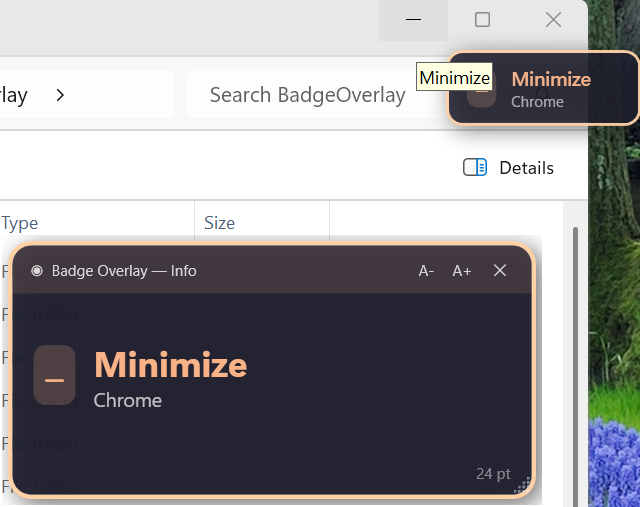
Minimize — Chrome
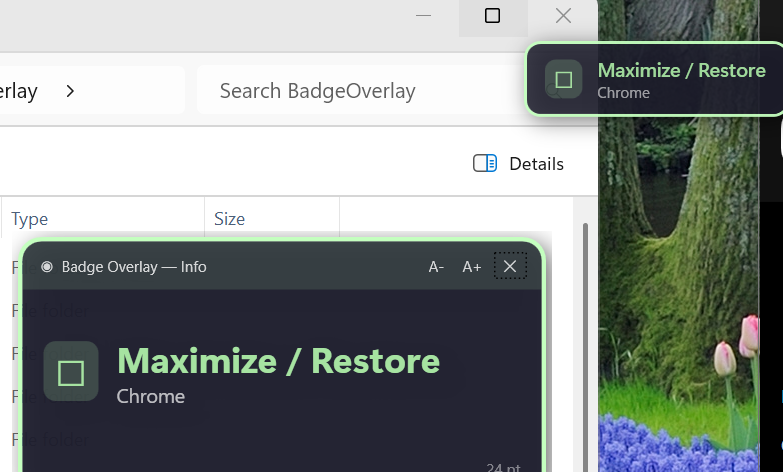
Maximize / Restore — Chrome
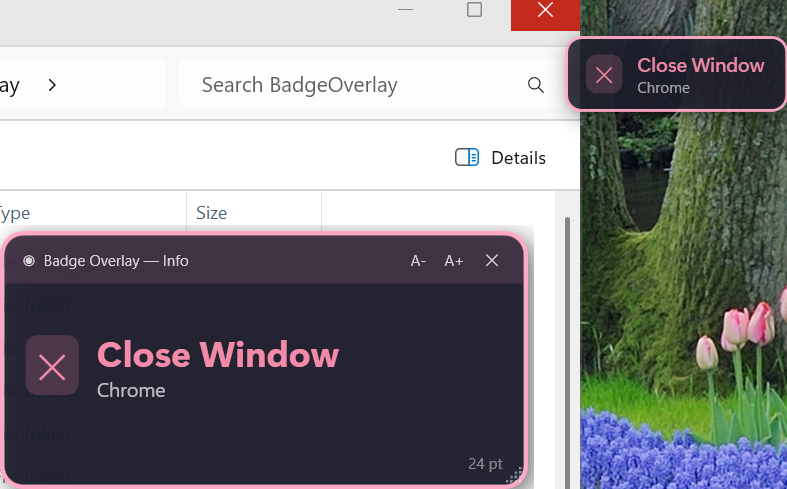
Close Window — Chrome
Screenshots
Every panel, at a glance
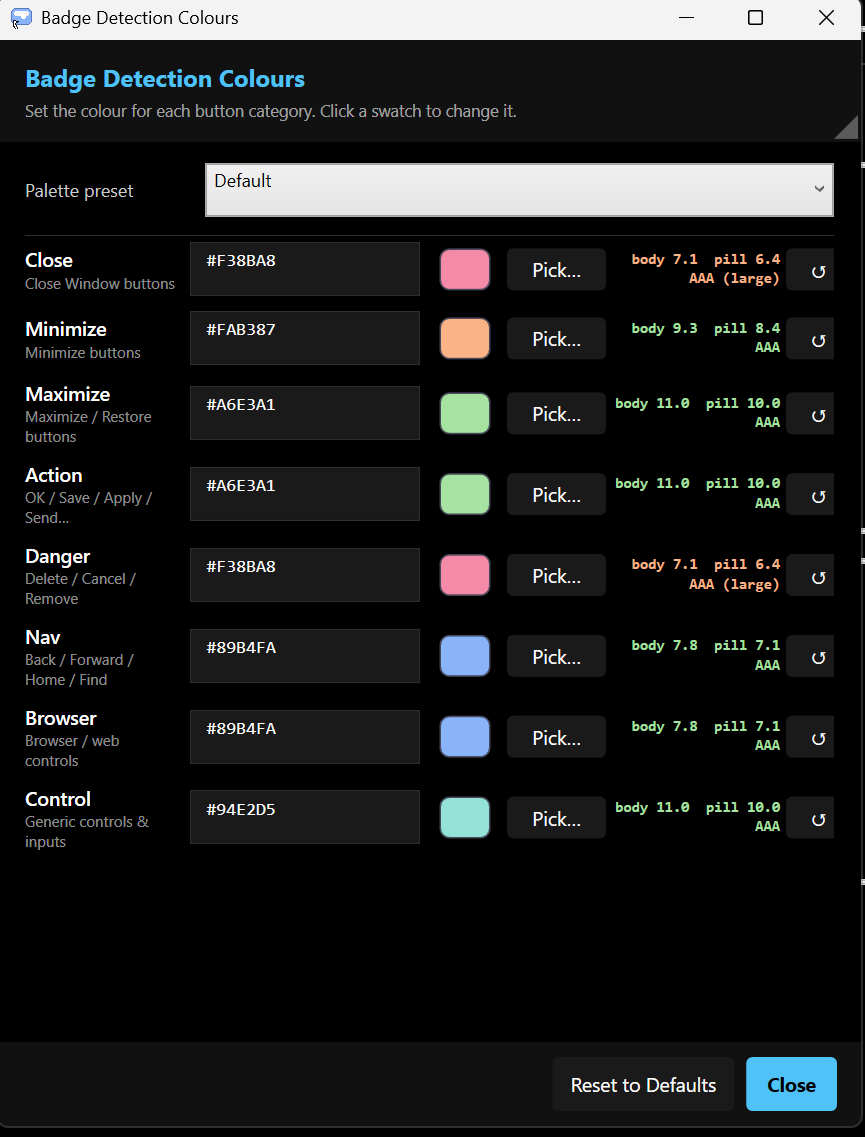
Badge Detection Colours
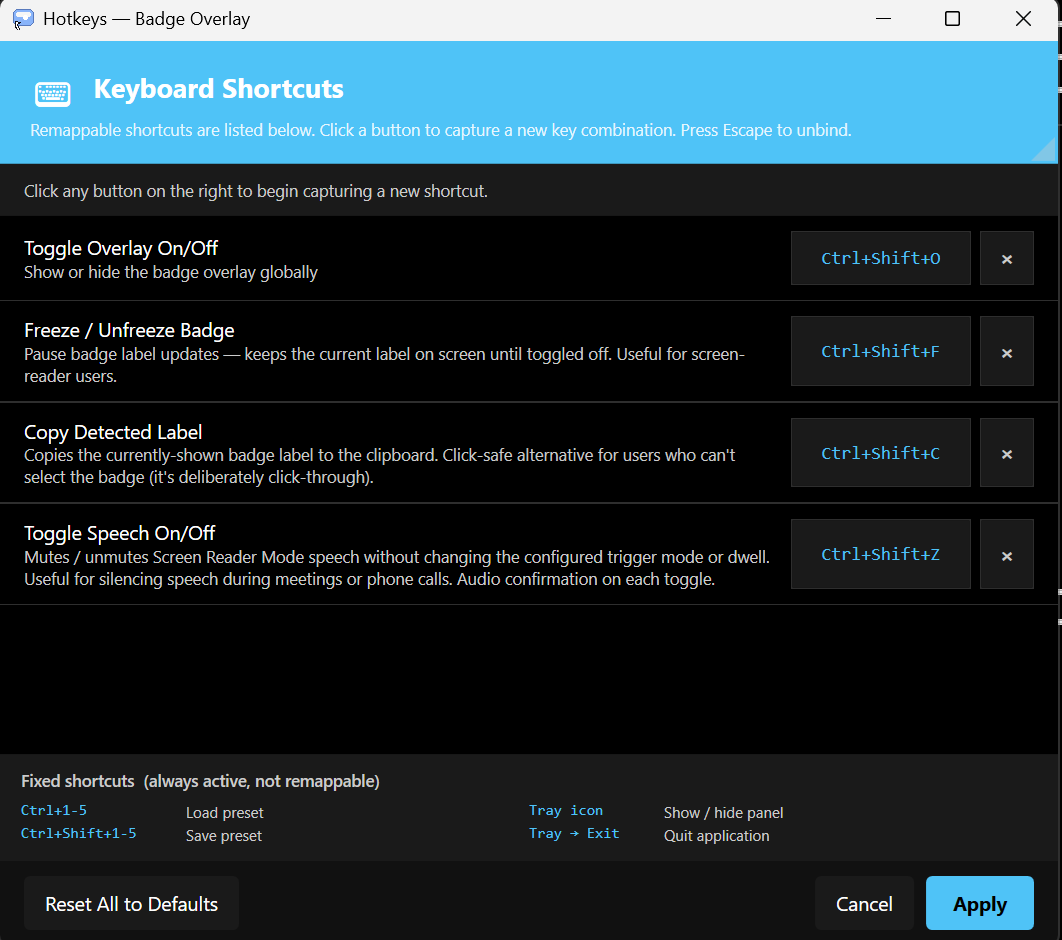
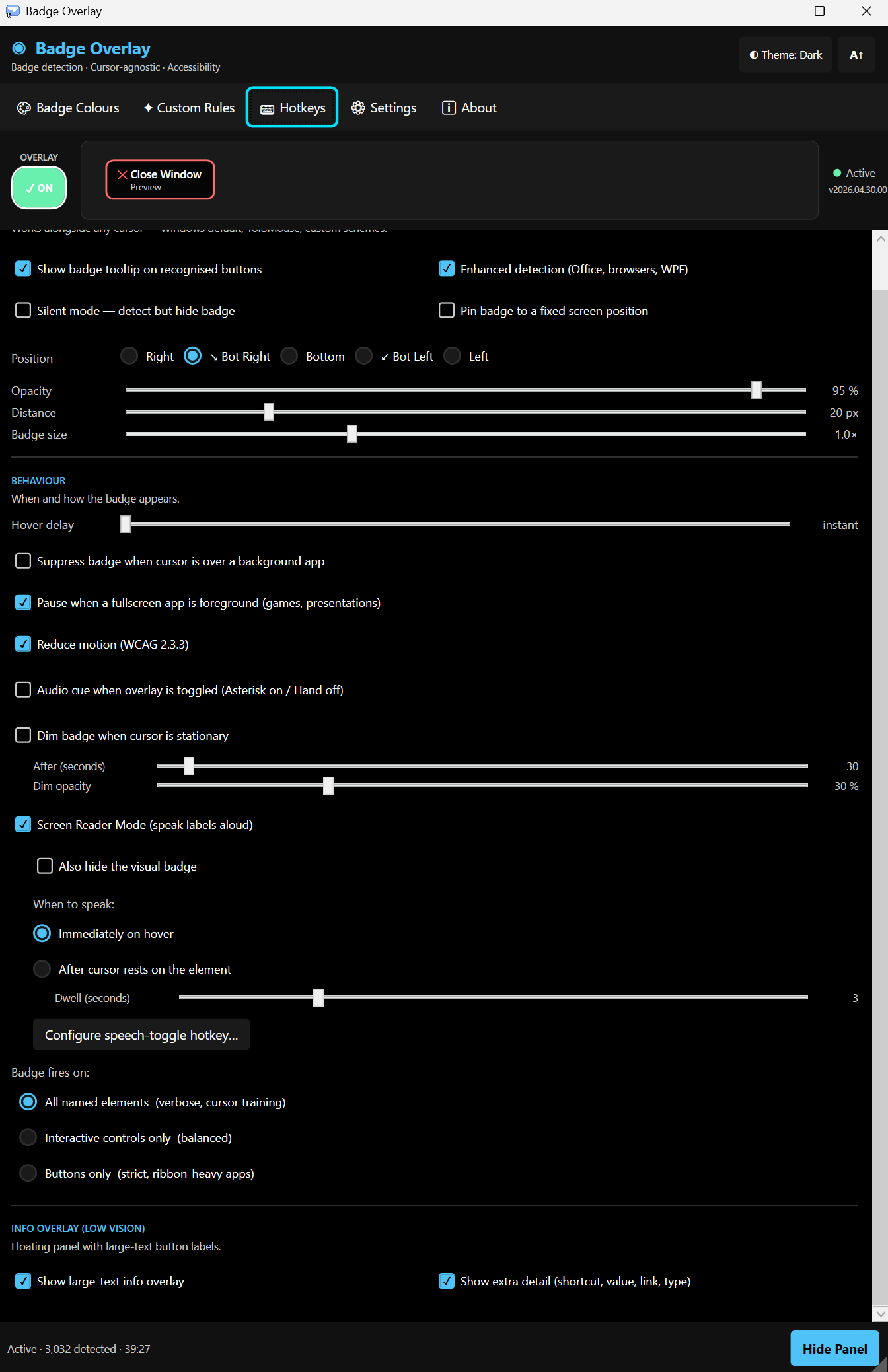
Keyboard Shortcuts
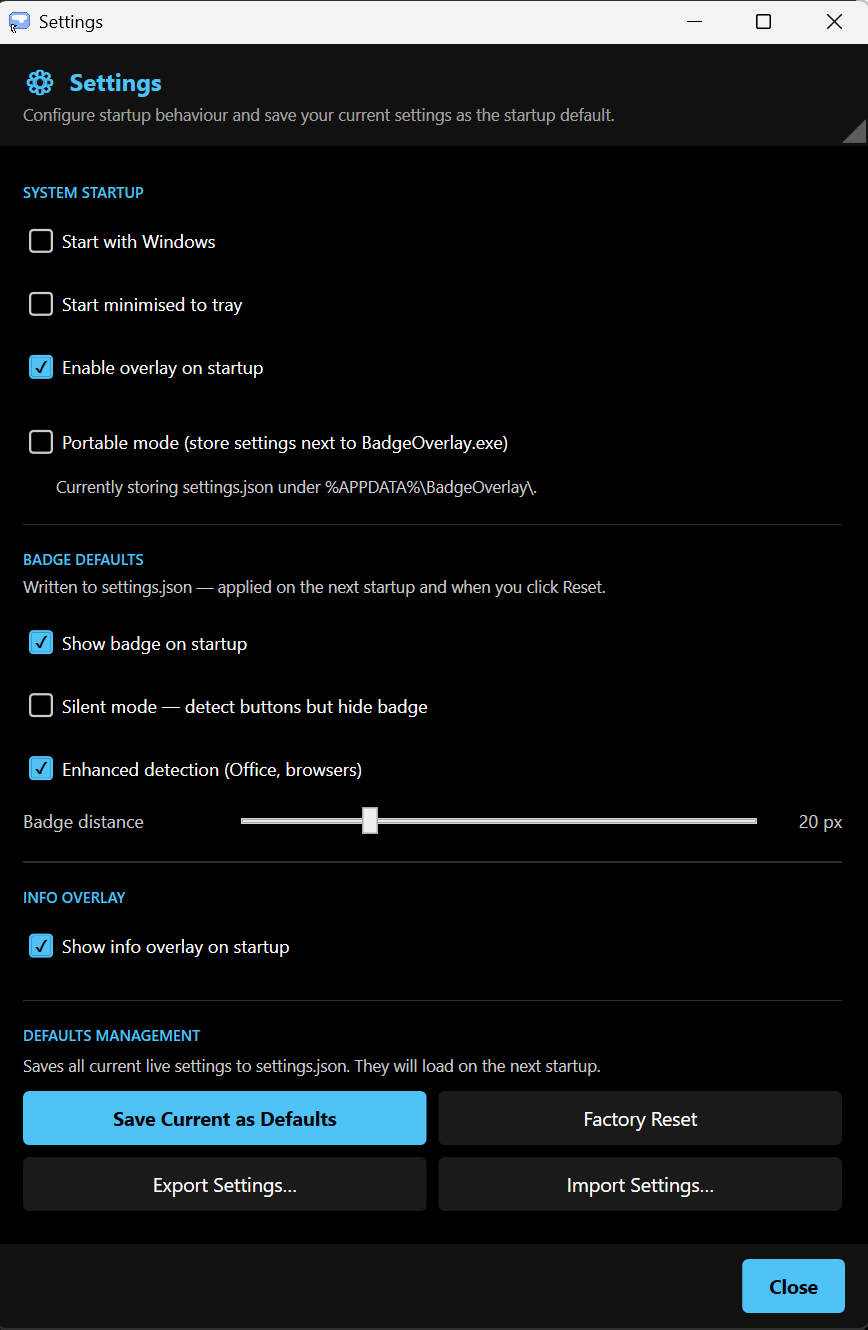
Settings
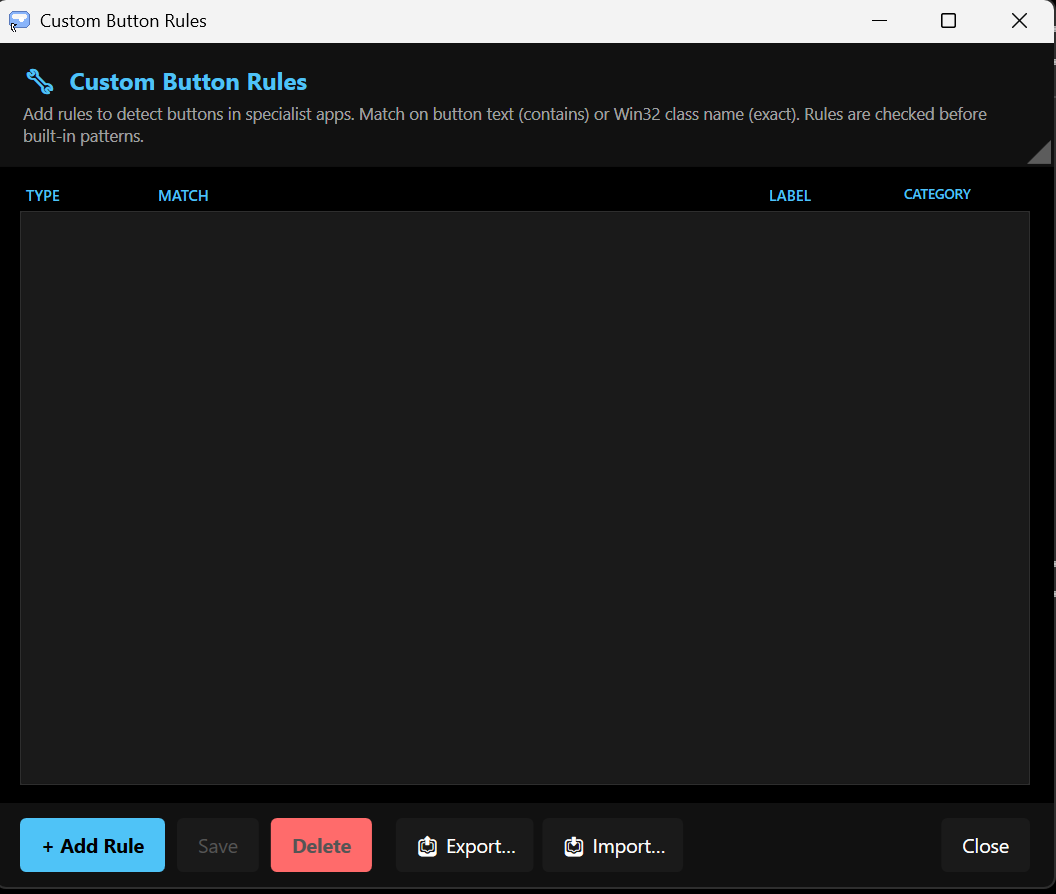
Custom Button Rules
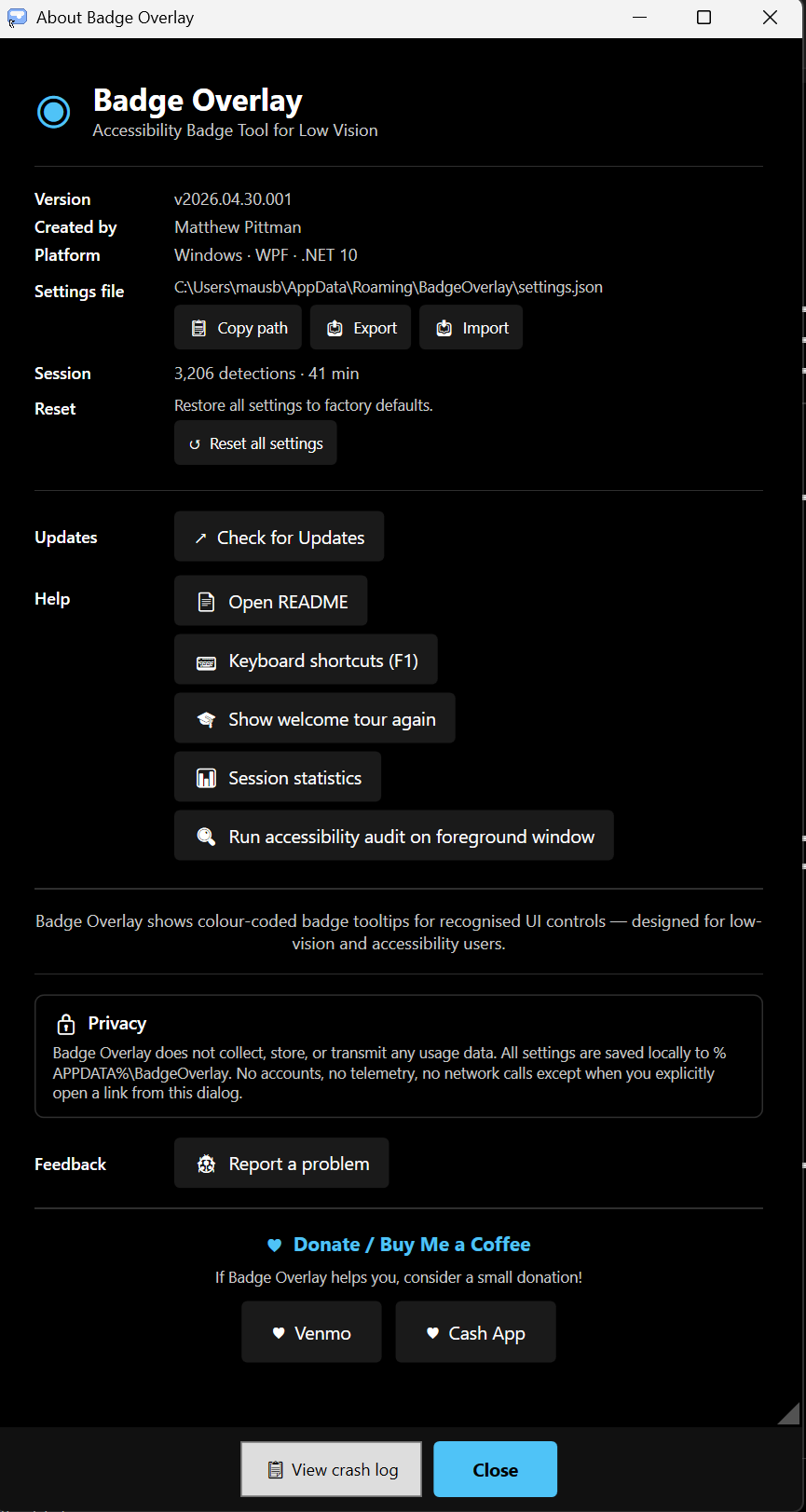
About
Colour-coded Categories
Every button type, a different colour
Badge Overlay assigns a distinct, high-contrast colour to each button category — all WCAG AAA compliant. Fully customisable with your own palette presets.
Close
Close Window buttons
Maximize
Maximize / Restore
Action
OK / Save / Apply / Send
Danger
Delete / Cancel / Remove
Browser
Browser / web controls
Control
Generic controls & inputs
Features
Designed for real accessibility needs
Real-time badge
A floating badge appears next to your cursor as you hover — naming the button, its category, and the app it belongs to.
Screen Reader Mode
Speaks button labels aloud using Windows TTS — trigger on hover or after a configurable dwell time. Mute with a single hotkey.
Large-text Info Overlay
A floating panel shows the current button's label in large, high-contrast text — ideal for low-vision users at any distance from the screen.
5 colour presets
Switch between built-in palette presets or create your own. All colours shown with live WCAG contrast scores.
Custom button rules
Add rules to detect buttons in specialist apps — match on button text or Win32 class name, assign any label and category.
Enhanced detection
Deeper detection mode covers Office apps, browsers, and WPF controls — toggleable per session.
Accessibility audit
Run an accessibility audit on any foreground window — reports missing or empty labels directly from the About panel.
Privacy first
No data collected, no telemetry, no network calls. All settings stored locally in settings.json — fully portable mode available.
Keyboard Shortcuts
Global hotkeys — work in any app
Toggle overlay on/offCtrl+Shift+O
Freeze / unfreeze badgeCtrl+Shift+F
Copy detected labelCtrl+Shift+C
Toggle speech on/offCtrl+Shift+Z
Load preset 1–5Ctrl+1–5
Save preset 1–5Ctrl+Shift+1–5
All shortcuts are remappable. Press Escape to unbind any shortcut.
Free & Open Source
Download Badge Overlay
Free forever. No account required.