Low Vision · Productivity
NoteStation
Clipboard manager, sticky notes overlay, and task manager — all in one. Built from the ground up for Low Vision users, with fully customisable per-note font, size, and colour.
Three Tools in One
Everything at your fingertips
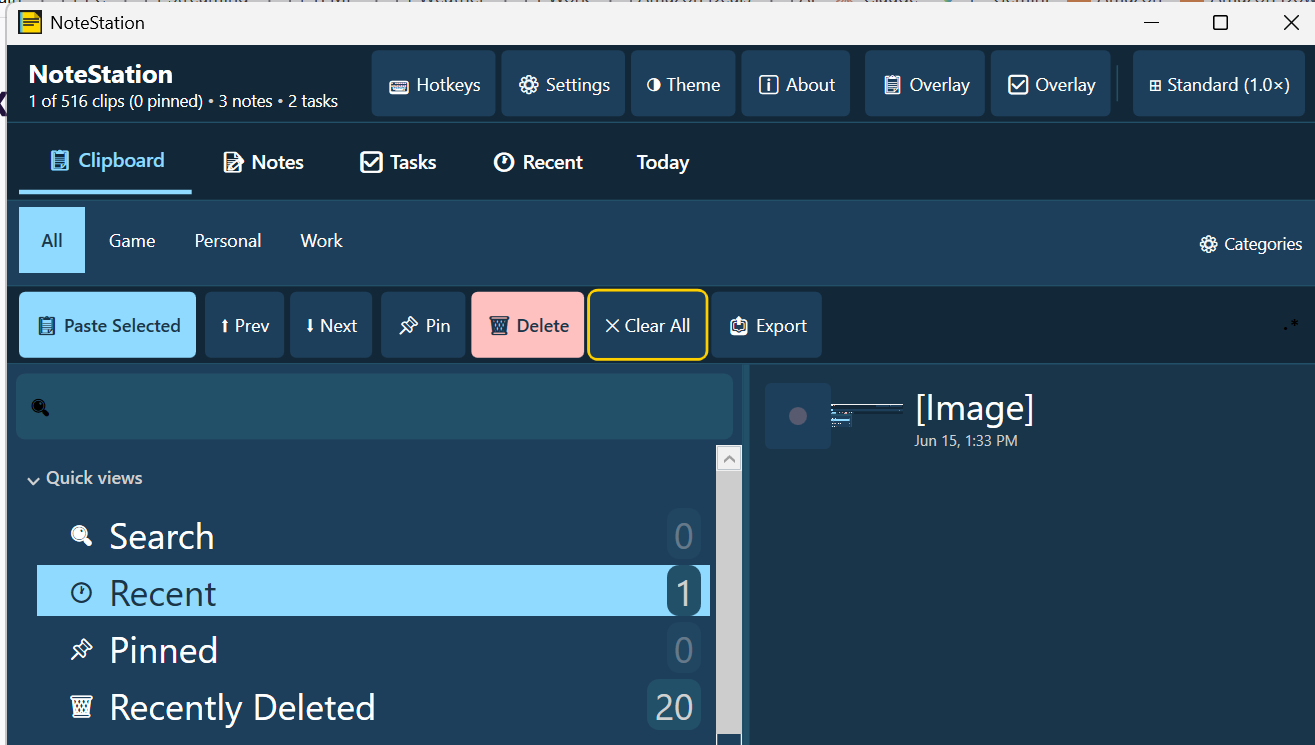
Clipboard Manager
Auto-captures up to 500 clipboard entries. Pin items, search history, cycle with keyboard or mouse side buttons, and paste instantly with 5 quick-paste slots (Ctrl+1–5).
Sticky Notes Overlay
Independent floating overlay notes, each with its own font family, size, bold/italic, text colour, and background colour. Notes persist between sessions and reopen exactly where you left them.
Task Manager
Drag-to-reorder tasks with due dates, star priority, subtasks, accent colours, and folder organisation. Push any task to Timer Studio for countdown alerts.
Screenshots
See it in action
Clipboard Manager
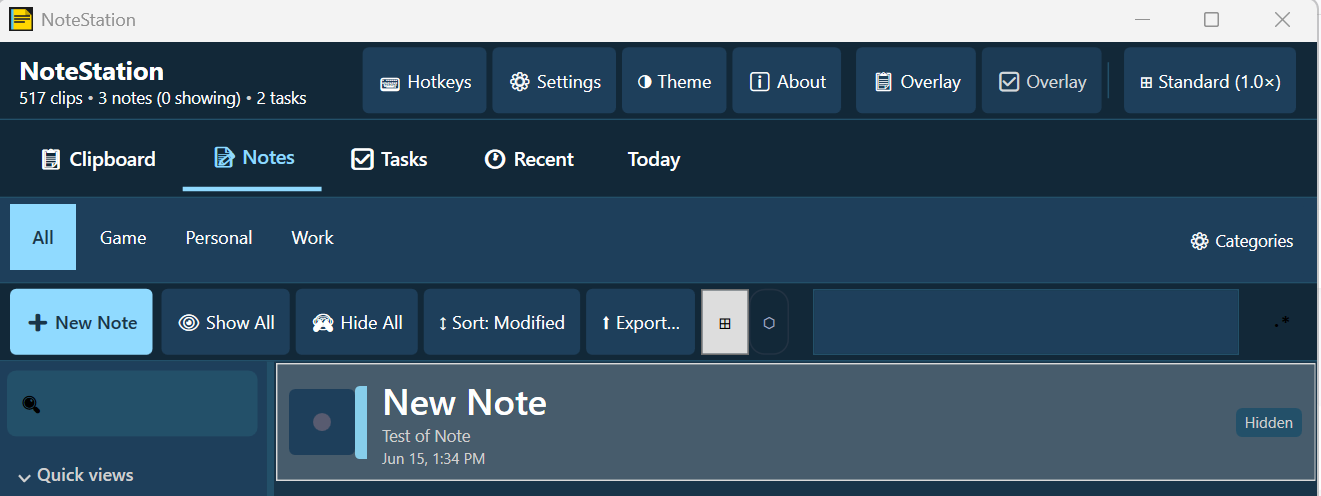
Notes Tab
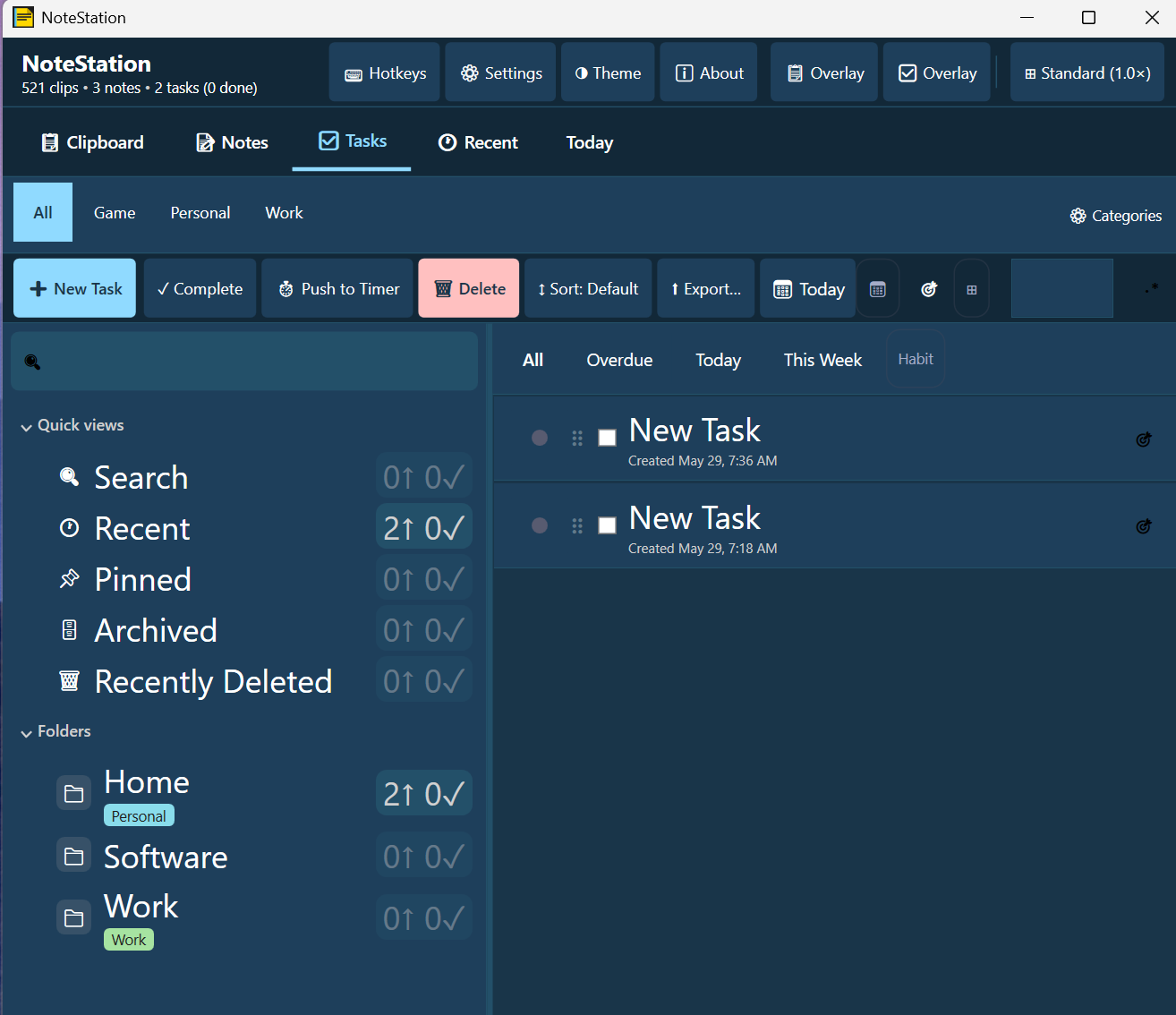
Task Manager
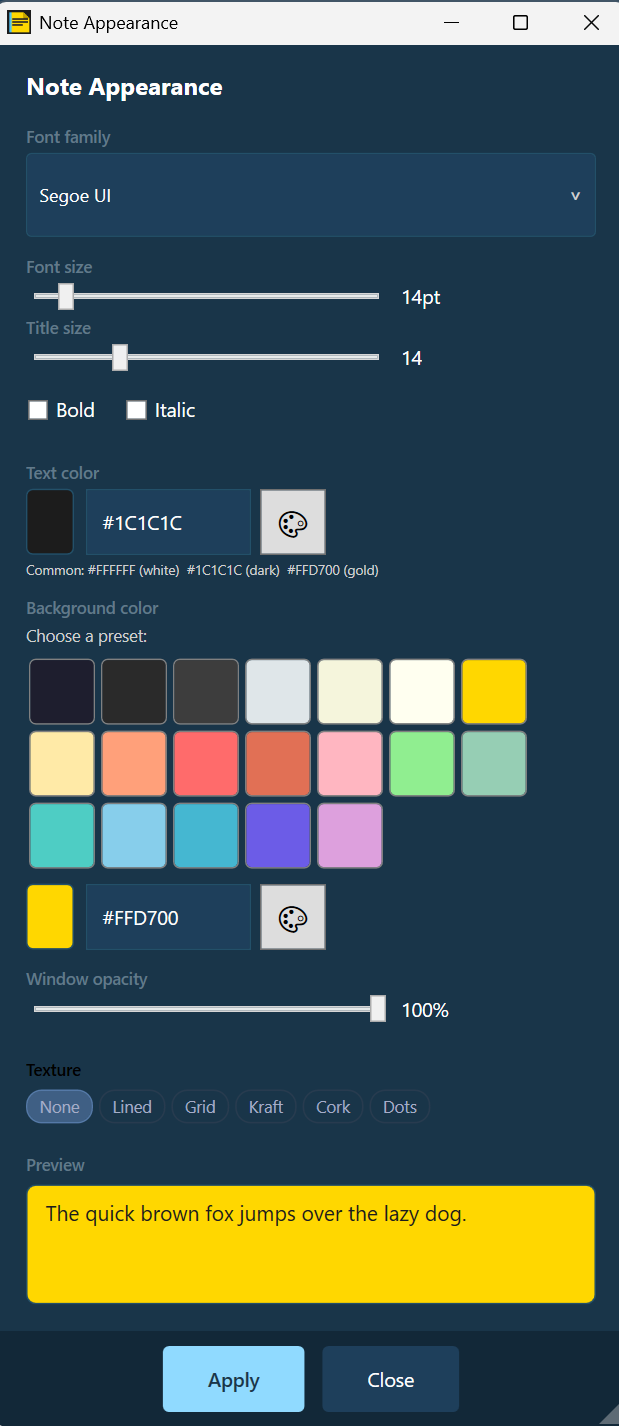
Note Appearance
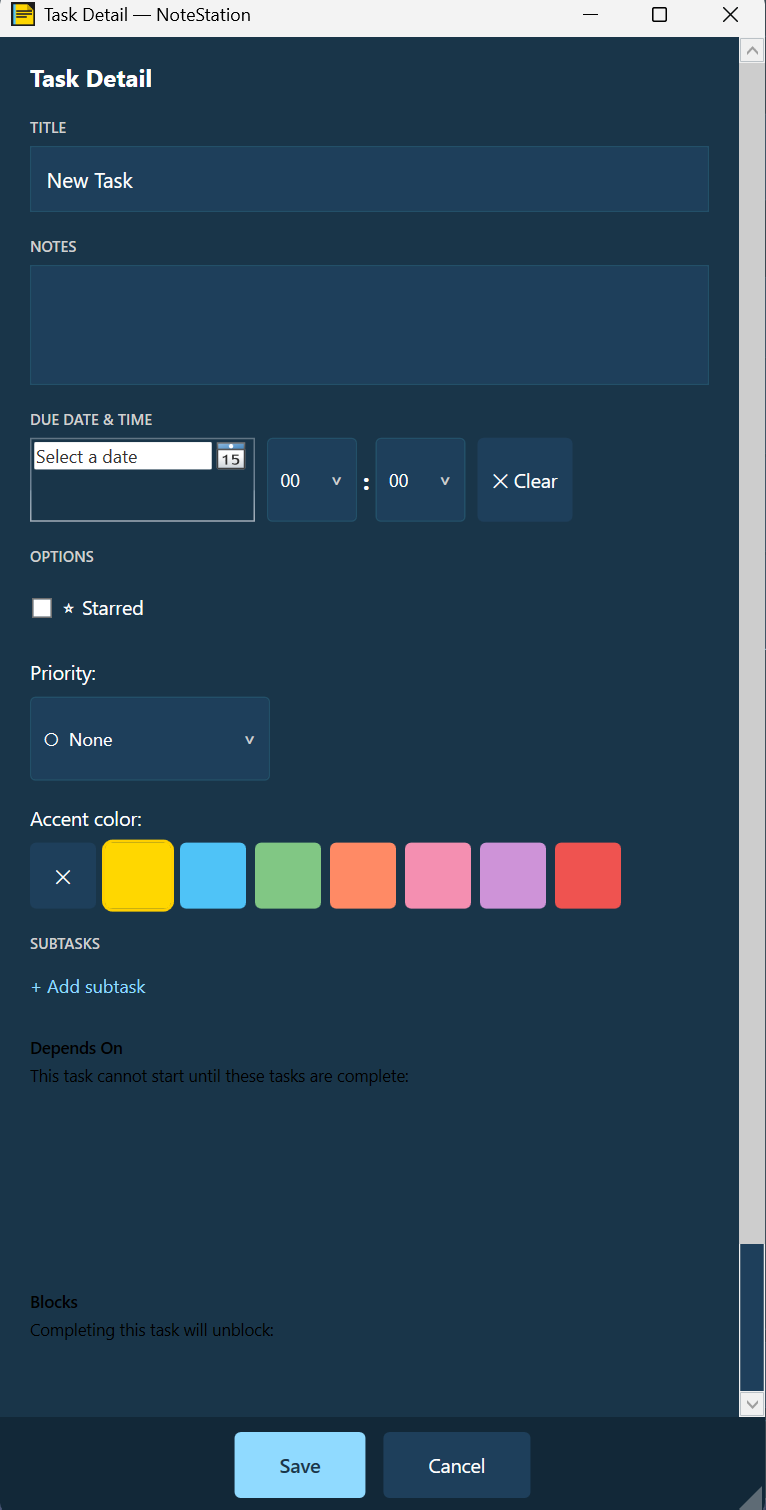
Task Detail
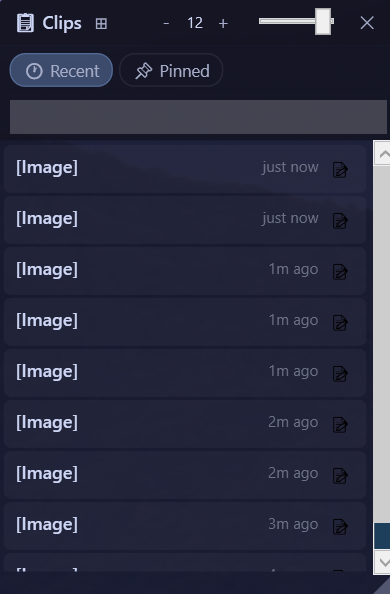
Clipboard Overlay
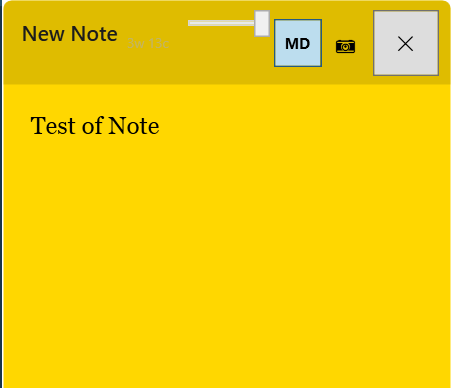
Yellow Sticky Note
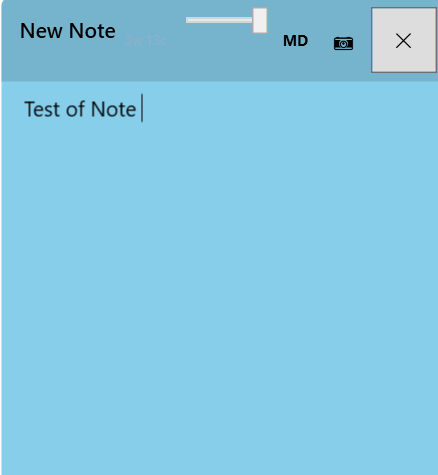
Blue Sticky Note
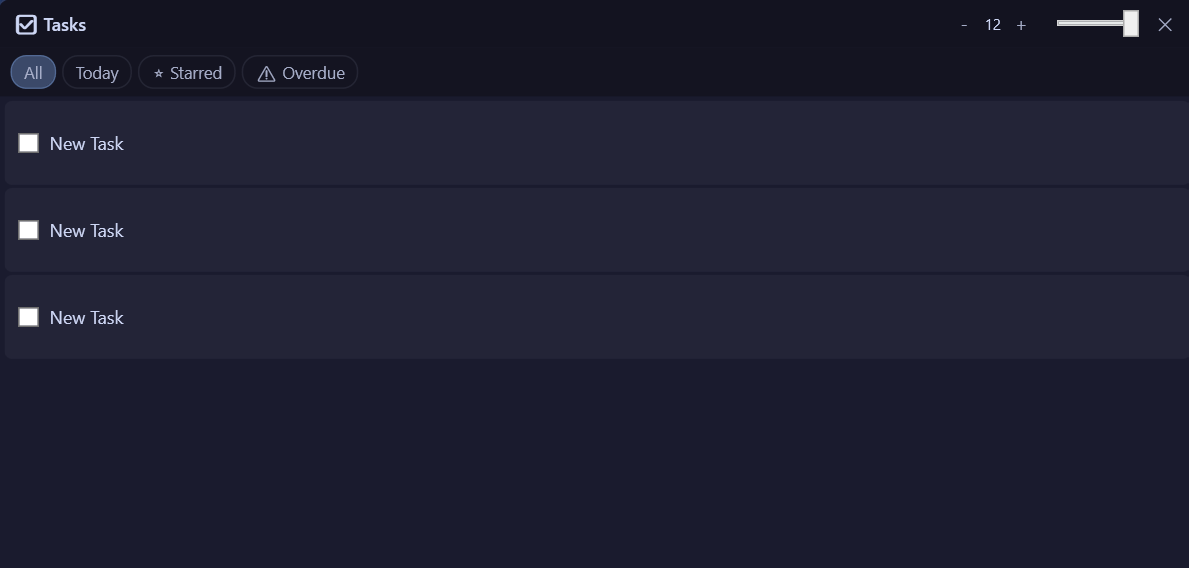
Task Overlay
Features
Built for real-world use
500-entry clipboard history
Every copy is captured automatically. Pin the clips you use most so they stay at the top and populate your quick-paste slots.
Always-on-top overlays
Compact floating overlays for clipboard, notes, and tasks sit above any window — game, browser, or app — without interrupting your flow.
Push tasks to Timer Studio
Send any task directly to Timer Studio as a countdown timer, so you get an alert when the due time arrives.
Mouse side-button cycling
Assign XButton1 / XButton2 (or Ctrl+Alt+Scroll) to cycle through clipboard history without ever opening the main window.
Subtasks & dependencies
Break tasks into subtasks and model dependencies — a task can be blocked until others are complete.
Due dates & Today view
Assign date and time to any task. The Today tab surfaces everything due now at a glance — starred, overdue, and due this week.
Search & filter everywhere
Full-text search across clipboard history, notes, and tasks. Category filters (Game, Personal, Work) narrow results instantly.
Local-only, no telemetry
All data lives in
%AppData%\NoteStation\. No network calls, no accounts, no telemetry — ever.Low Vision Controls
Every note, your way
Each sticky note has fully independent appearance controls — not just a global theme, but per-note settings so every note can be exactly as readable as you need it.
Font family — choose from any installed Windows font
Font size — 8–72pt slider, independent per note
Bold & Italic checkboxes per note
Text colour — 3 common presets + custom hex
Background colour — 19 presets + custom hex
Texture — None, Lined, Grid, Kraft, Cork, or Dots
Window opacity — 0–100% per note
Keyboard Shortcuts
Key shortcuts at a glance
New taskCtrl+N
New noteCtrl+Shift+N
Quick-paste slot 1Ctrl+1
Quick-paste slot 2–5Ctrl+2 … 5
Previous clipboardXButton1
Next clipboardXButton2
Cycle clipboardCtrl+Alt+Scroll
Cycle UI sizeCtrl+=
About / HelpF1
Mouse button assignments are configurable in Settings → Mouse Button Assignments.
Free & Open Source
Download NoteStation
Free forever. Requires .NET 10. No account required.